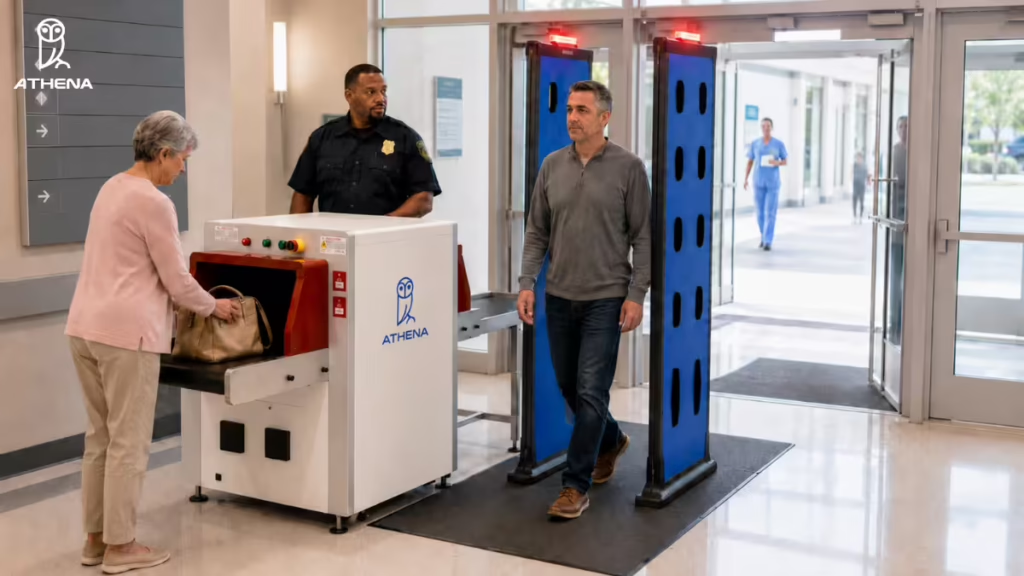

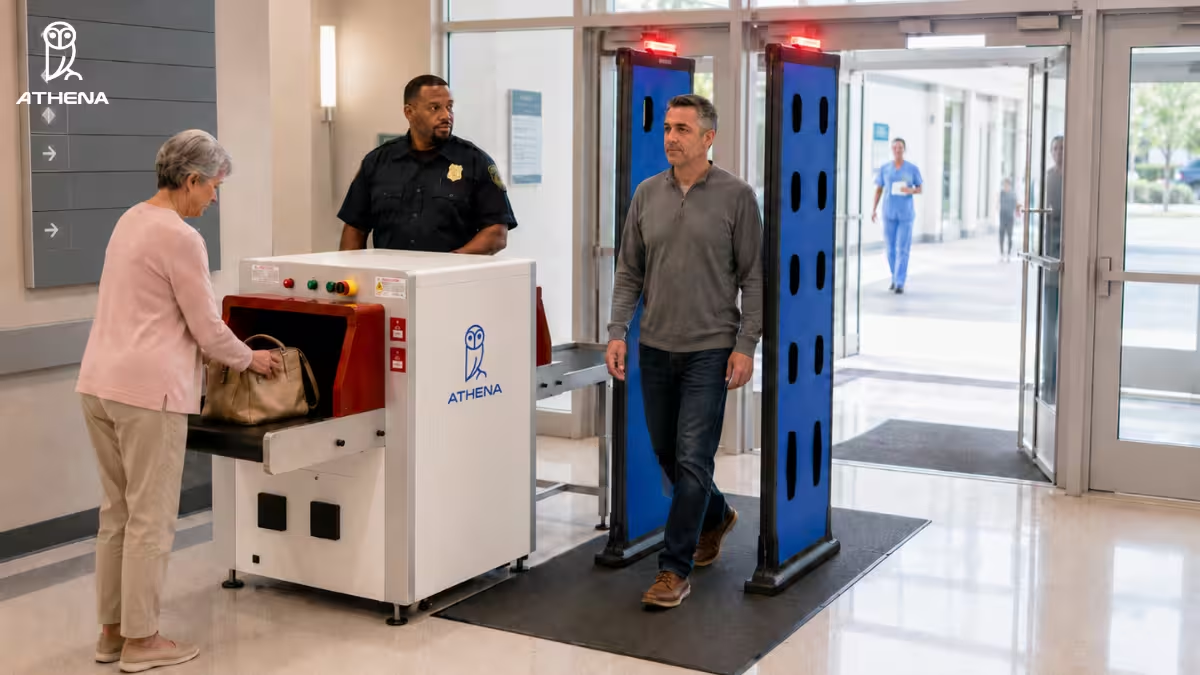
| Summary: To prevent weapons from entering a hospital, you need a layered security workflow that protects every major entry route. That means screening people with concealed weapons detection, checking bags with AI-assisted X-ray scanners, securing ambulance bay arrivals, verifying visitors through access control, and sending real-time alerts to guards before a threat moves deeper into the facility. This article explains how each layer works and how hospitals can connect them into one coordinated weapons prevention workflow. |
If you are wondering how to prevent weapons from entering a hospital, you must know that there are multiple ways weapons can enter your facility.
For example, in the UPMC Memorial Hospital shooting, the perpetrator entered the hospital carrying a backpack that contained a semi-automatic pistol, zip ties, and duct tape. In the San Francisco hospital stabbing, the knife was allegedly carried on the person. In the Endeavor Health Swedish Hospital shooting, the suspect was scanned by hospital security, but later got hold of a firearm inside the hospital.
That is the real challenge. A weapon can enter through a visitor’s bag. On some case, someone can carry a weapon in their pocket. A weak access-control process, or a missed alert at a busy checkpoint can also lead to a weapon slipping in.
So, if you are asking how to prevent weapons and guns from entering a hospital, the answer is not one metal detector at the front door. You need a layered security workflow that protects every major entry route before the threat reaches patient care areas.
How Can Hospitals Prevent Weapons From Entering Their Facilities?
Hospitals can prevent weapons from entering their facilities by identifying every route a weapon can take inside. And then, secure each route with the right screening layer. A weapon may enter a person, inside a bag, through an ambulance bay, through an unauthorized visitor, or through a checkpoint where the alert is missed or placed too far inside the building.
The five most effective ways to close these gaps are:
- Deploying AI-powered walk-through weapons detection.
- Implementing AI-assisted X-ray baggage scanners.
- Securing the ambulance bay.
- Using a modern visitor management system with access control.
- Equipping guards with AR alert glasses.
Let’s discuss each one by one.
1. Deploying AI-Powered Concealed Weapons Detection
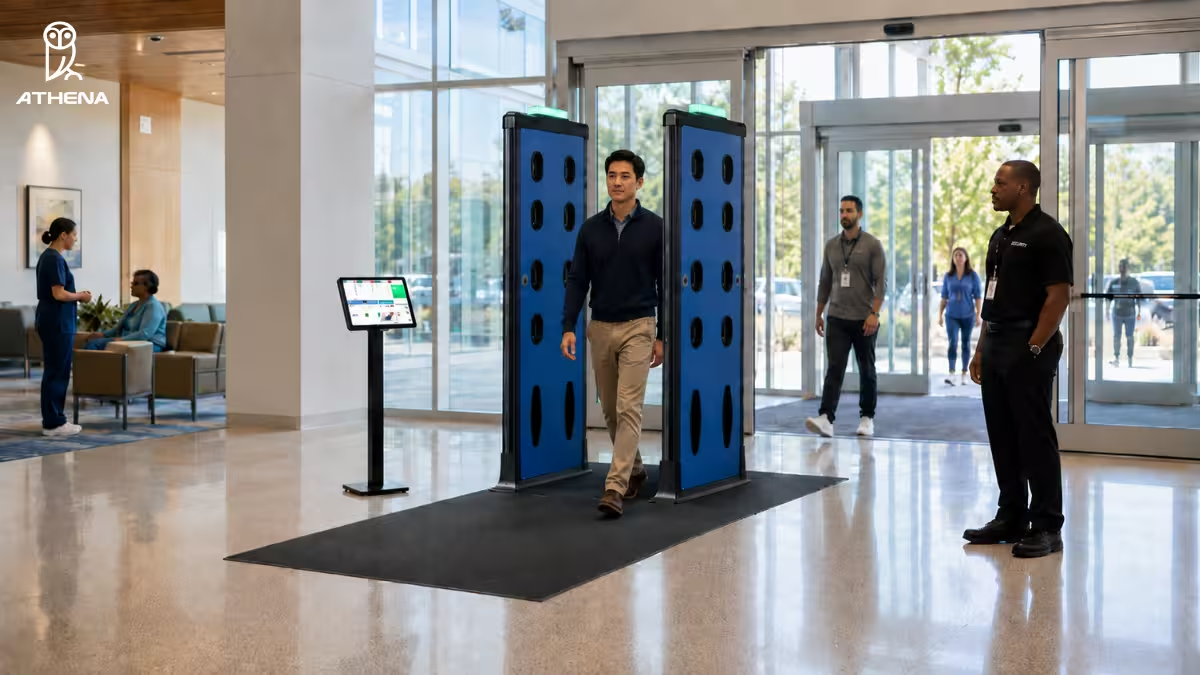
Risk channel: A person carrying a concealed weapon on their body, such as a firearm, knife, shank, work blade, or razor blade.
Where to deploy it: Use it at main entrances, ER doors, visitor lobbies, behavioral health access points, staff/vendor doors, and after-hours entry points.
What to look for: Choose a system that detects ferrous and non-ferrous weapons while filtering out phones, keys, wallets, belts, and medical devices.
Why it helps: It helps security guards focus on credible threats, reduce bottlenecks, and respond before a weapon moves deeper into patient care areas.
Example: Athena Security’s AI-powered concealed weapons detection system shows the suspected weapon location visually, so officers know where to look during secondary screening. At Franciscan Health Olympia Fields, our ED screening deployment caught 9 firearms in the first 30 days after becoming operational.
| Decision point: This layer is most relevant for hospitals with high visitor traffic, ER exposure, behavioral health risk, or repeated weapon-entry concerns. |
2. Implementing AI-Assisted X-Ray Baggage Scanners
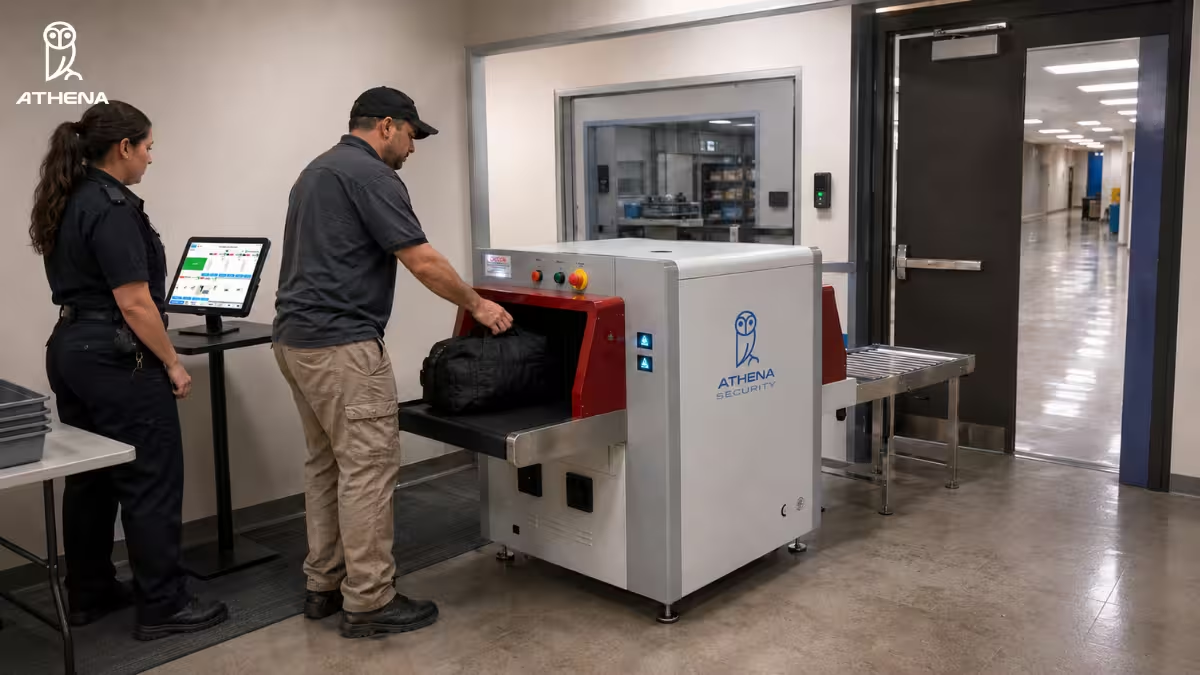
Risk channel: A weapon, explosive, prohibited item, or improvised threat hidden inside a bag, backpack, purse, package, or delivery item.
Where to deploy it: For bag screening, use X-ray baggage scanners at main entrances, ER visitor entrances, staff/vendor entrances, delivery areas, mailrooms, and other bag-heavy entry points.
What to look for: Choose a scanner that uses Dual-Energy X-ray imaging, AI threat highlighting, material density analysis, and atomic composition data. It should also support iPad-based review, pinch-to-zoom, and secondary review workflows.
Why it helps: This layer helps hospitals detect threats that walk-through screening may miss, while reducing manual bag checks and operator guesswork.
Example: Athena’s AI-assisted X-ray scanner can highlight suspicious items, show material context, and keep a flagged bag secured inside the tunnel until security responds.
| Decision point: This layer is most relevant where visitors, vendors, or staff regularly enter with bags. |
Considering Evolv? Read Evolv eXpedite vs Athena AI X-Ray Baggage Scanner.
3. Secure the Ambulance Bay
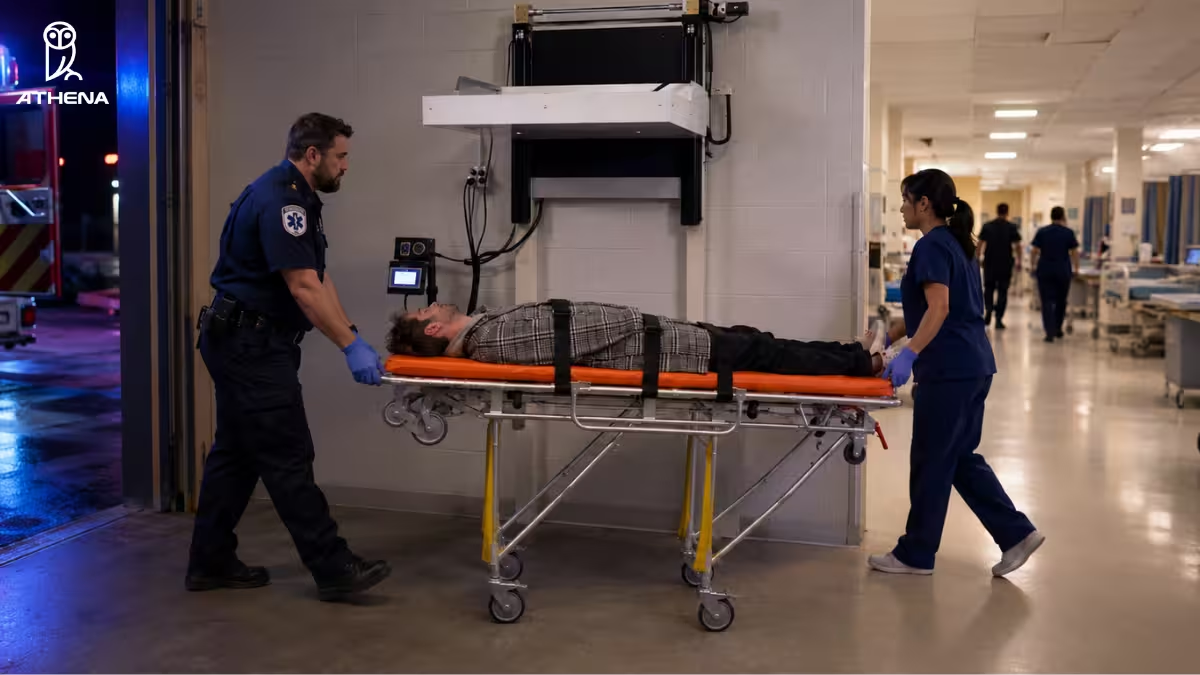
Risk channel: A weapon entering through a stretcher patient who bypasses the main lobby screening process.
Where to deploy it: Use ambulance bay screening at EMS entry points, trauma intake corridors, and emergency department entrances connected directly to ambulance arrivals.
What to look for: Choose a system built for stretcher arrivals. This means scanning from above, ignoring the metal gurney, and detecting both metallic and non-metallic threats without delaying EMS flow.
Why it helps: This closes one of the most dangerous hospital security gaps: an unscreened path directly into the emergency department.
Example: Athena’s Ambulance Bay Weapons Detection System uses millimeter-wave imaging radar and AI to pinpoint suspected weapons on stretcher patients while filtering out the gurney.
| Decision point: This layer is most relevant for hospitals where EMS arrivals bypass front-door weapons screening. |
For more details, read How To Screen Ambulance Bays Without Triggering False Alarms From Gurneys.
4. Use a Modern Visitor Management System With Access Control
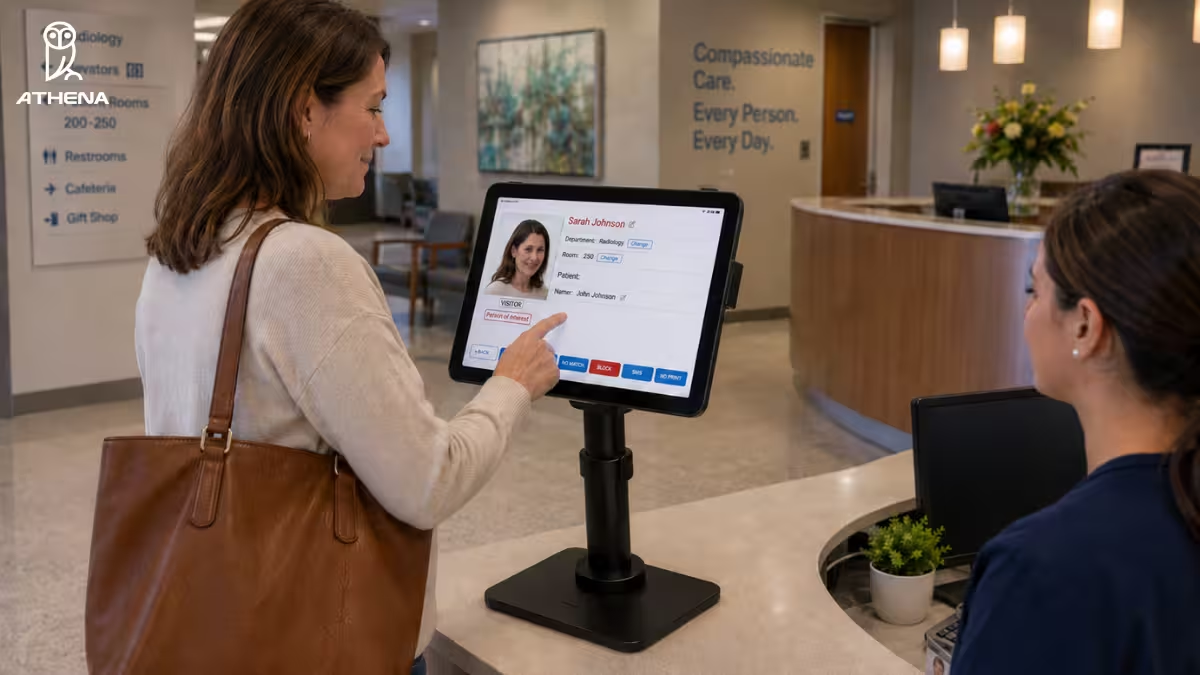
Risk channel: An unauthorized, banned, or unverified visitor moving past the lobby into restricted hospital areas.
Where to deploy it: Use a VMS at main lobbies, ER reception, ICUs, maternity wards, pharmacies, staff/vendor entrances, and other visitor entry points.
What to look for: Choose a system with ID scanning, photo capture, watchlist checks, badge printing, zone-based access, auto-expiring credentials, and audit-ready logs.
Why it helps: It verifies who is entering, flags restricted visitors, and limits where each person can go after check-in.
Example: Athena’s VMS can issue temporary credentials, alert security when a watchlist match appears, and support color-coded badges so staff can quickly confirm access.
| Decision point: This layer is most relevant for hospitals with sensitive zones, frequent visitors, vendors, or weak visitor verification. |
For more details, read about these visitor management system features.
5. Equip Guards With AR Alert Glasses
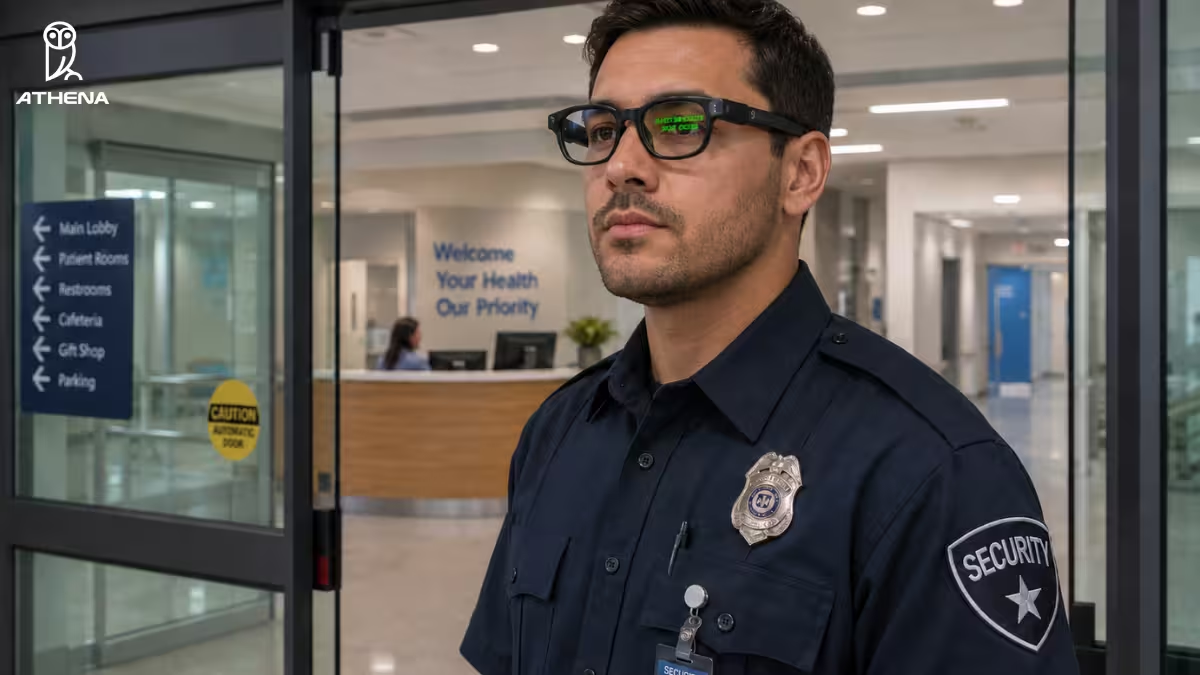
Risk channel: A weapon is detected, but the alert is missed, delayed, or lost while guards are managing visitors, crowds, or other checkpoint tasks.
Where to deploy it: Use AR Alert Glasses at ER entrances, main lobby posts, secondary screening areas, high-volume checkpoints, and with mobile patrol teams.
What to look for: Choose glasses that send fast, discreet, text-based alerts directly into the officer’s field of vision and connect with weapons detection, X-ray, and visitor management systems.
Why it helps: Guards do not have to keep watching a tablet or wait for radio updates. They can stay hands-free, aware, and ready to act.
Example: AthenaVision AR Glasses can show alerts such as “Gun Detected,” “Object Detected,” or “Visitor Bypassed Security” within the officer’s line of sight.
| Decision point: This layer is most relevant where missed alerts or delayed response could let a threat move deeper inside. |
For more details, read AR Glasses for Security Officers.
How Does a Layered Hospital Weapons Prevention Workflow Help?
A layered hospital weapons prevention workflow helps by connecting screening, visitor verification, alerting, response, and documentation into one coordinated security process.
Here is what that looks like in practice:
- Visitors and staff pass through concealed weapons detection at the perimeter.
- Bags are screened through AI-assisted X-ray scanners.
- Stretcher patients are screened at the ambulance bay.
- Visitor identities are verified through a VMS with access control.
- Alerts are pushed to guards through tablets, consoles, and AR glasses.
- Threat events are documented automatically for review and compliance.
Here, the value is not just that each system works. The value is that they work together.
So when a weapon is detected, the guard does not have to guess what happened or wait for a radio call. The system can show where the threat is, alert the right officer, guide secondary screening, and create a digital record of the event.
This helps hospitals in five practical ways:
- Faster response: Alerts reach the right people without delay.
- Less manual work: One operator can manage more than one screening workflow.
- Better visibility: Security teams can see activity across entry points from a connected view.
- Safer patient flow: AI helps reduce unnecessary stops from harmless items.
- Stronger documentation: Screening events, officer actions, and confiscated items can be logged without manual paperwork.
No single tool prevents every weapon-entry scenario. Hospitals need connected layers that screen people, bags, stretcher arrivals, visitor identities, and alerts before risk moves deeper into the facility.
What Should Hospitals Do Immediately to Reduce Weapon Entry Risk?
Hospitals can start reducing weapon entry risk immediately by improving communication and putting a basic weapons prevention plan in place. One of the simplest ways to do that is through clear signage. Hospitals should clearly post “No Weapons Allowed” or similar notices at main entrances, ER entrances, visitor doors, staff entrances, ambulance bay access points, and other public entry routes.
But signage alone is not the full strategy. It is the starting point.
Hospitals should also:
- Create a weapons prevention plan: Define how the facility will prevent, detect, respond to, and document weapon-related incidents.
- Brief security staff: Make sure officers know the current policy, escalation process, and response workflow.
- Communicate the policy clearly: Visitors, patients, staff, vendors, and caregivers should understand that weapons are not allowed inside the facility.
- Review high-risk entry points: Identify where weapons are most likely to enter, such as ER doors, main lobbies, ambulance bays, staff entrances, and bag-heavy visitor entrances.
- Prepare for next-step screening: Use the plan to decide where concealed weapons detection, X-ray bag screening, visitor management, ambulance bay screening, and alerting tools should be deployed first.
Once that foundation is in place, hospitals can decide which layered screening technologies should support the weapons prevention plan.
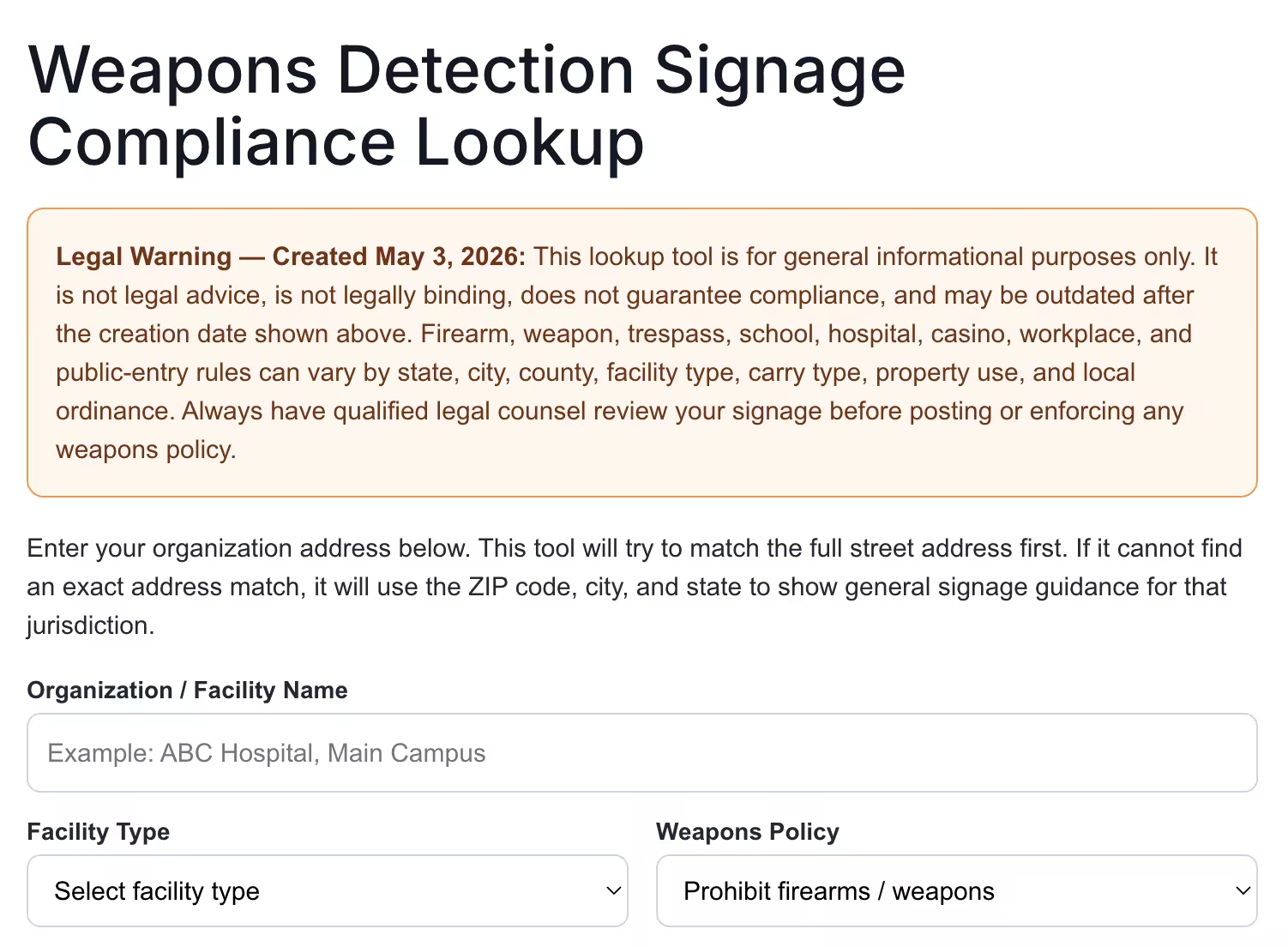
To help hospitals take that first step, we have created a free Weapons Detection Signage Compliance Lookup tool. You can enter your organization’s address to see general signage guidance for your jurisdiction, then have qualified legal counsel review the signage before posting or enforcing any weapons policy.
How Can Athena Security Help Prevent Weapons from Entering a Hospital?
Athena Security helps hospitals build a perimeter-first, layered weapons prevention workflow designed for real healthcare environments.
Instead of disconnected tools, Athena connects concealed weapons detection, AI X-ray screening, ambulance bay detection, visitor management, and AR alerts. It also connects telepresence support and response documentation into one security ecosystem.
This is what makes it different:
- Patented AI evasion detection: Monitors the full screening area and alerts security if someone tries to walk around, bypass, or evade the checkpoint.
- Top-down ambulance bay radar: Screens stretcher patients from above while ignoring the metal gurney, helping hospitals secure EMS arrivals without constant false alarms.
- Atomic-level AI X-ray scanning: Uses Dual-Energy X-ray to analyze material density and atomic composition, helping identify threats hidden in bags, including explosives, narcotics, 3D-printed weapons, and disassembled drone parts.
- Second Look centralized verification: Combines AI and remote human review to re-check scans within seconds and reduce the risk of operator fatigue or camouflaged threats.
- Unified single-console ecosystem: Connects concealed weapons detection, X-ray screening, visitor management, and telepresence into one workflow, so operators can manage more from a single Apple iPad console.
- Instant AR glasses alerting: Sends discreet alerts like “Gun Detected” directly into an officer’s field of view, reducing the delay between detection and response.
- Automated DHS-aligned documentation: Creates digital logs with timestamps, photos, testing records, and confiscated-item details without manual paperwork.
We have worked with several hospital facilities, like Duke Health, Nuvance, and Yale New Haven Hospital. If you want to prevent weapons from entering your hospital, book a demo with us below or call +1-833-928-4362.

FAQs About Preventing Weapons from Entering a Hospital
Our experts have answered the questions that they get asked the most during deployment at hospitals.
1. What Should a Hospital Do After a Weapon Is Detected?
After a weapon is detected, a hospital should confirm the alert, isolate the risk, notify the right officers, guide the person to secondary screening, secure the weapon, and document the incident.
Use this response checklist:
- Check the visual alert: Review where the system located the suspected weapon, such as in a bag, waistband, boot, or pocket.
- Secure the item first: If the threat is inside a bag, keep the bag contained until security responds.
- Move the person to secondary screening: Do this calmly and discreetly to avoid panic or unnecessary escalation.
- Notify officers silently: Use AR glasses or discreet alerts so nearby guards can respond without relying only on radios.
- Follow ambulance bay protocols: For stretcher patients, stabilize care first unless there is a high-confidence severe threat, such as a probable firearm.
- Document the incident: Record photos, timestamps, officer actions, confiscated-item details, and chain-of-custody information.
The goal is to resolve the threat quickly without creating chaos in the hospital environment.
2. How Do Hospitals Balance Weapons Screening With Patient Privacy, Dignity, and a Welcoming Environment?
Hospitals can balance weapons screening with patient privacy and dignity by using non-invasive, low-friction screening systems that detect threats without making every visitor feel like a suspect.
Use this checklist:
- Keep screening fast: Choose systems that let patients, visitors, and staff walk through at a normal pace without emptying pockets or creating long lines.
- Avoid unnecessary manual searches: Use AI-powered detection to separate real threats from harmless items, so secondary screening happens only when needed.
- Protect patient privacy: Choose systems that evaluate threat objects, not personal identity, and avoid unnecessary biometric or personally identifiable data collection.
- Support ADA and medical needs: Make sure screening is safe and accessible for people with wheelchairs, implants, pacemakers, pregnancy, or mobility limitations.
- Use discreet alerts: Send threat alerts to tablets or AR glasses so officers can respond quietly without alarming everyone nearby.
- Handle secondary screening respectfully: Guide the person aside calmly, explain the process, and resolve unintentionally carried items without public embarrassment.
When screening feels calm, respectful, and routine, hospitals can raise the security standard without making anyone feel like they are entering a hostile environment.
3. How Do Hospitals Choose the Right Screening System for Public Entrances?
Hospitals should choose a screening system that detects real weapons without slowing down patients, visitors, and staff. That means looking for low false alarms, fast throughput, visual threat location, ADA-friendly design, and integration with visitor management or alerting tools.
If you are comparing systems to deploy at hospital entrances, read our guide on the best walk-through metal detectors for hospitals.
4. What Should Hospitals Use to Detect Weapons Hidden Inside Bags?
Hospitals should use AI-assisted X-ray baggage scanners to detect weapons or prohibited items hidden inside backpacks, purses, packages, and delivery bags. Walk-through systems screen people, but dense bags need a separate inspection layer. Look for scanners with AI threat highlighting, material analysis, clear operator review, and safe containment if a suspicious item is found.
If you are evaluating scanners for hospital entrances, read our guide on Best X-Ray Baggage Scanners for Hospitals.
5. How Can Hospitals Prevent Weapons From Entering Without Hiring More Guards?
Hospitals can prevent weapons from entering without hiring more guards by using workforce multiplier technologies that extend the reach of the existing security team. For example, a virtual security officer can cover entry-point guidance, while connected tools like weapons detection, X-ray screening, visitor management, AR alerts, and ambulance bay screening reduce manual workload.
For more details, read this article on How to Improve Hospital Security Without Adding More Guards.
6. How Can I Procure Weapons Prevention Technologies from Athena Security?
You can contact our team directly to discuss your specific needs and receive a customized quote. You can email us at [email protected] or call us at +1-866-592-3922.
If you’d like to see the system in action, you can request a free demo below.
Disclaimer: The images have been created using AI-based tools and are intended for illustrative purposes only. They may not accurately represent real individuals, locations, or situations. Any resemblance to real persons, living or dead, or actual events is purely coincidental.